



The process of creating and selling online courses has become the most profitable way to start a digital business. No matter whether you are an educator, consultant, coach, trainer, or just an entrepreneur, picking the proper course platform will significantly impact your business growth rates.
However, many content creators struggle to make their choice between Kajabi and Teachable whih one is better for online courses in 2026?
Kajabi and Teachable are among the most popular platforms used for creating online courses. Yet both have a lot of differences.
While Kajabi presents itself as an all-in-one business platform, Teachable claims its simplicity.
In our comprehensive review, we will compare Kajabi and Teachable based on features, pricing, performance, and more.
If you are short of time:
Go for Kajabi if:
You are looking for an all-in-one business platform
You are in need of advanced marketing tools
You are going to scale an online education business
You need built-in email marketing and sales funnels
Consider Teachable if:
You’re just starting out
You require a basic course platform
You’re looking for affordable pricing
Ease of use matters more than marketing functions
Final Verdict (Who Wins in 2026)
Kajabi is the winner for professionals creating courses and growing their businesses.
Teachable is the winner for beginners and frugal educators.
Comparison of Kajabi vs Teachable
| Feature | Kajabi | Teachable |
| Ease of Use | Very Good | Excellent |
| Course Creation | Excellent | Excellent |
| Website Builder | Advanced | Basic |
| Email Marketing | Built-In | Limited |
| Sales Funnels | Built-In | Requires Integrations |
| SEO Features | Strong | Basic |
| Community Features | Advanced | Moderate |
| Integrations | Good | Excellent |
| Pricing | Higher | Lower |
| Best For | Growing Businesses | Beginners |
Kajabi – What is it?
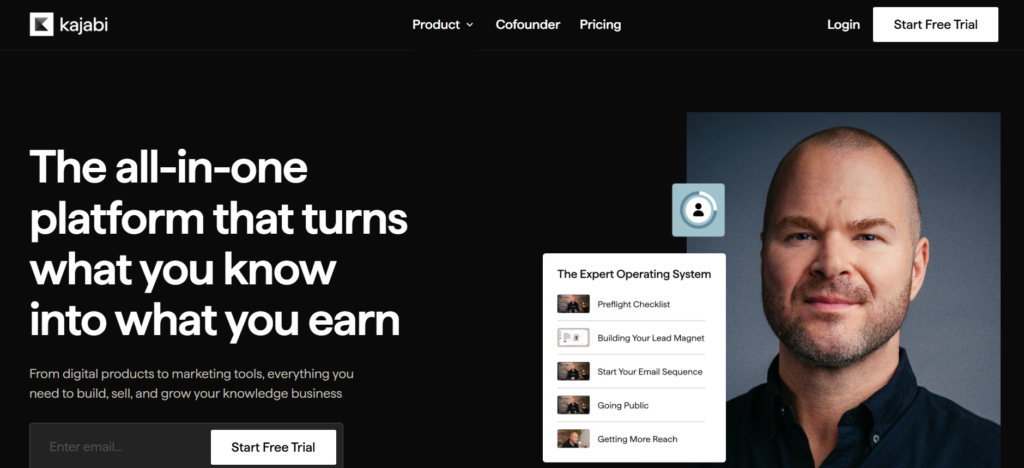
Kajabi is a comprehensive platform intended to facilitate the creation, marketing, and selling of digital goods by creators.
Kajabi features include:
• Course hosting
• Website builder
• Email marketing
• Sales funnel building
• Membership site creation
• Community building
• Analytics
Rather than combining numerous separate software, Kajabi aims to cover all bases in a single place.
Best For
• Coaches
• Consultants
• Professional trainers
• Membership-based companies
• Scaling online educators
Teachable – What is it?
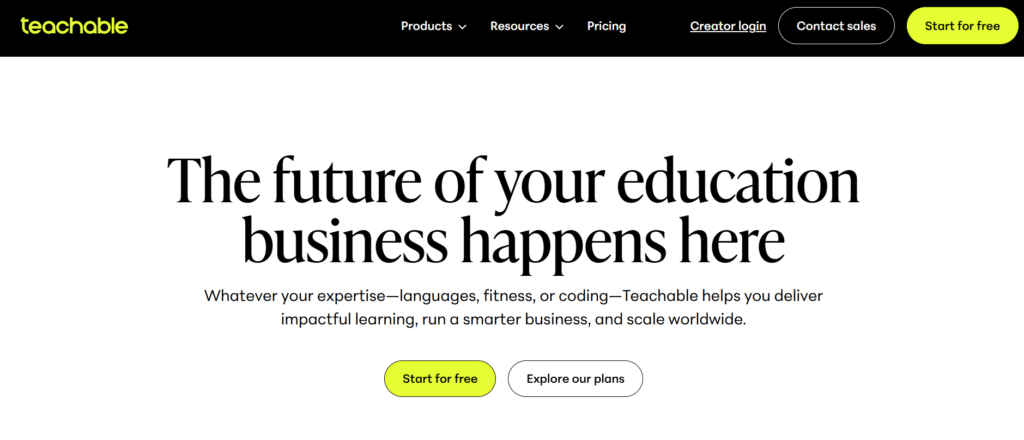
Teachable is an online course platform that prioritizes simplicity and ease of use.
With Teachable, you can:
• Create courses
• Add video lectures
• Manage students
• Take payments
• Sell digital products
Feature-by-Feature Comparison
1. Ease of Use
Kajabi offers extensive functionality but requires some effort to get used to.
That’s because it combines:
• Site-building platform
• Email marketing tool
• Marketing funnels
• Communities
• Learning management system
For new users, this can be quite overwhelming at first.
But, once you master it all, everything becomes efficient and organized.
Teachable
Teachable stands out in ease-of-use.
It allows:
1. Sign up
2. Upload lessons
3. Set pricing
4. Launch
The platform is easy to navigate and straightforward.
For beginners, Teachable is easier to learn and use.
2. Course Building and Content Quality
Kajabi allows for:
• Video courses
• Audible courses
• PDFs
• Downloadable materials
• Assignments
• Drip content
This makes for a premium learning experience.
Students will like the professional look your courses will have.
Teachable also allows for:
• Video hosting
• Tests/quizzes
• Downloads
• Certification
Content distribution goes smoothly and efficiently.
But there’s less flexibility for customization compared to Kajabi.
Kajabi offers premium features and more options for customizability
3. Website Builder and Templates
Kajabi comes equipped with a fully-fledged website builder.
It features:
• Landing pages
• Blog
• Sales pages
• Customizable themes
• Mobile-friendly design
Users can run their entire online business without using WordPress.
Teachable
Teachable offers:
• Sales pages
• Course pages
• Checkout pages
Customization options are limited.
Winner: Kajabi
Kajabi provides greater freedom when it comes to designing and branding.
4. Marketing and Sales Funnel Tools
Kajabi shines through in marketing.
In-built features include:
• Email marketing
• Marketing automation
• Sales funnels
• Upsells
• Customer journeys
• Lead magnets
These make it unnecessary to use additional third-party applications.
Teachable
Teachable allows for basic marketing.
However, advanced campaigns require using:
• Email marketing platforms
• Funnel building software
• CRM software
This makes the process more costly.
Kajabi beats Teachable when it comes to marketing capabilities.
5. SEO Capabilities
It is necessary if you aim to attract organic traffic via search engines.
Kajabi SEO Capabilities
Kajabi allows:
• Custom URLs
• Meta descriptions
• Blogging
• SEO page settings
• Site indexing
The creator will be able to accumulate a substantial amount of organic traffic in the future.
Teachable SEO Capabilities
Teachable allows basic SEO settings. Blogging abilities are limited, though.
Often users resort to building their own website for content marketing.
Winner: Kajabi
Better SEO capabilities available on Kajabi.
6. Integrations
Kajabi Integration
Kajabi integrates with the following services:
• Zapier
• Stripe
• PayPal
• Google Analytics
• Facebook Pixel
However, according to the Kajabi philosophy, the fewer integrations the better.
Teachable Integration
Teachable integrates with various other services.
This is more appealing to users who use external software.
Winner: Teachable
Better integration capabilities of Teachable.
7. Community and Membership Capabilities
Community features have received much attention at Kajabi.
Users have access to:
• Membership
• Private groups
• Communities for students
• Subscription plans
These increase the amount of recurring revenue.
Teachable allows building memberships, but it does not have such advanced community capabilities.
Price Comparison
In the Kajabi vs Teachable comparison, price tends to be the determining factor.
Kajabi Price
Kajabi is usually costlier because it acts as a substitute for many different tools.
Some common advantages are:
• Website hosting
• Email marketing software
• Funnel software
• Course platform
Though quite costly initially, most firms end up saving money because they avoid having several subscriptions.
Pros
• All-in-one convenience
• Less reliance on outside tools
• More advanced capabilities
Cons
• Higher monthly price tag
• Steeper learning curve
Teachable Price
Teachable provides cheaper entry packages.
The service is therefore perfect for:
• Fresh creators
• Side income earners
• Small enterprises
Pros
• Lower initial investment
• Easier to use
• Easy deployment
Cons
• May require additional tools
• Price may rise over time
Price Comparison Winner
Best Cheapest Alternative
Teachable
Best Long-Term Investment
Kajabi
Performance and Quality of Output
Student Experience
Kajabi
What students love about this platform:
• Modern interface
• Faster navigation
• Premium branding
• Good mobile user experience
Teachable
What students experience is a clean learning experience with limited customization options.
Winner: Kajabi
Platform Performance
Both platforms are known for reliable hosting and fast content delivery.
Both platforms are equally stable.
Winner: Tie
Platform Reliability
Both platforms offer:
• Safe and secure hosting services
• Payment processing service
• Student management
• A reliable infrastructure
Winner: Tie
Pro & Cons
Kajabi Pro
• Everything in one place
• Powerful marketing automation tools
• Advanced website builder
• SEO capabilities
• Premium student experience
• Community features
Kajabi Con
• High costs
• Learning curve
• Too many features for beginners
Teachable Pro
• Simple and user-friendly
• Affordable
• Quicker to launch
• Great course delivery platform
• Beginner friendly
Teachable Con
• Limited marketing options
• Basic website builder
• Low SEO capabilities
• Needs more integrations
Which Tool Should You Go For?
This is the key point of this Kajabi vs Teachable article.
Go for Teachable If:
You are:
• A novice
• Creating your first online course
• On a limited budget
• Priority is course creation
Teachable will enable you to kickstart your venture easily.
Best for
• Beginning instructors
• Freelancers
• Side businesses
• Single trainers
Go for Kajabi If:
You are:
• Building a scalable business
• Multimedia marketing
• Having several product lines
• Education brand development
As your business expands, Kajabi becomes very useful for you.
Best for
• Coaches
• Consultants
• Agencies
• Professional online course creators
From Expert’s Point of View
Having worked closely with a variety of content creators, trainers, consultants, and other educational businesses, I find that Kajabi is a more powerful platform for future success due to its ability to offer course delivery, marketing, lead generation, and customer management capabilities all at once.
Still, Teachable continues to be one of the easiest platforms to create courses fast and without spending too much money.
In case you need simplicity, Teachable is hard to beat.
In case you need to develop a full-fledged online education business, Kajabi has far more growth potential.
Verdict on Kajabi vs Teachable 2026
While comparing Kajabi and Teachable in 2026, there will be no winner universally applicable.
It all depends on your priorities.
Consider Kajabi when you need:
• Efficient marketing options
• Sales funnels
• Email automation
• SEO optimization features
• Membership groups
• Business scalability
Consider Teachable when you need:
• Simplicity
• Low costs
• Fast setup
• Beginners-friendly course development
General Recommendation
For the vast majority of serious course creators and business trainers, Kajabi will be a superior choice for 2026 since it integrates multiple aspects into a single platform.
On the other hand, if you are only getting started with creating courses and you need a platform that is both inexpensive and simple to use, then you should still consider using Teachable.
Use Kajabi if you want to create a full-scale online business with your courses.
Use Teachable if you like simplicity and lower costs when starting out.